

macOS, Windows, Linux · Out now
Decomp Buddy
Paste the links. Play the games.
Decomp Buddy is for people who want to play the fan-made decompilations and native ports of old console games and don't want to spend an evening reading five READMEs first. Paste the GitHub links. It downloads each project, reads its instructions, installs everything, and tells you the one thing it can't do for you — where your own copy of the game goes.
It never downloads a game. You supply your own legal copy; it puts everything where the project expects it.
What It Looks Like
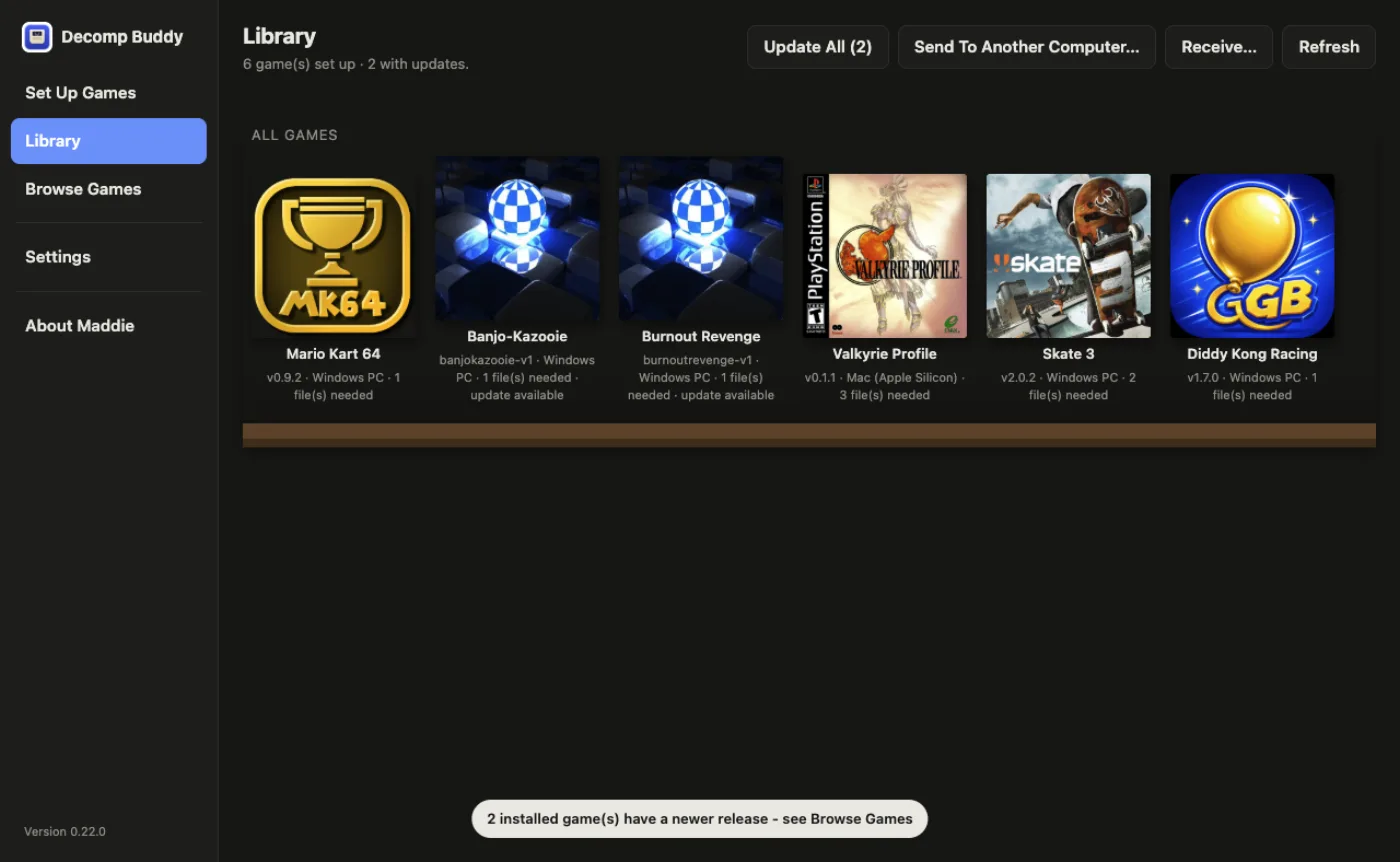
The Decomp Buddy library: installed games as a grid of covers, ready to launch. 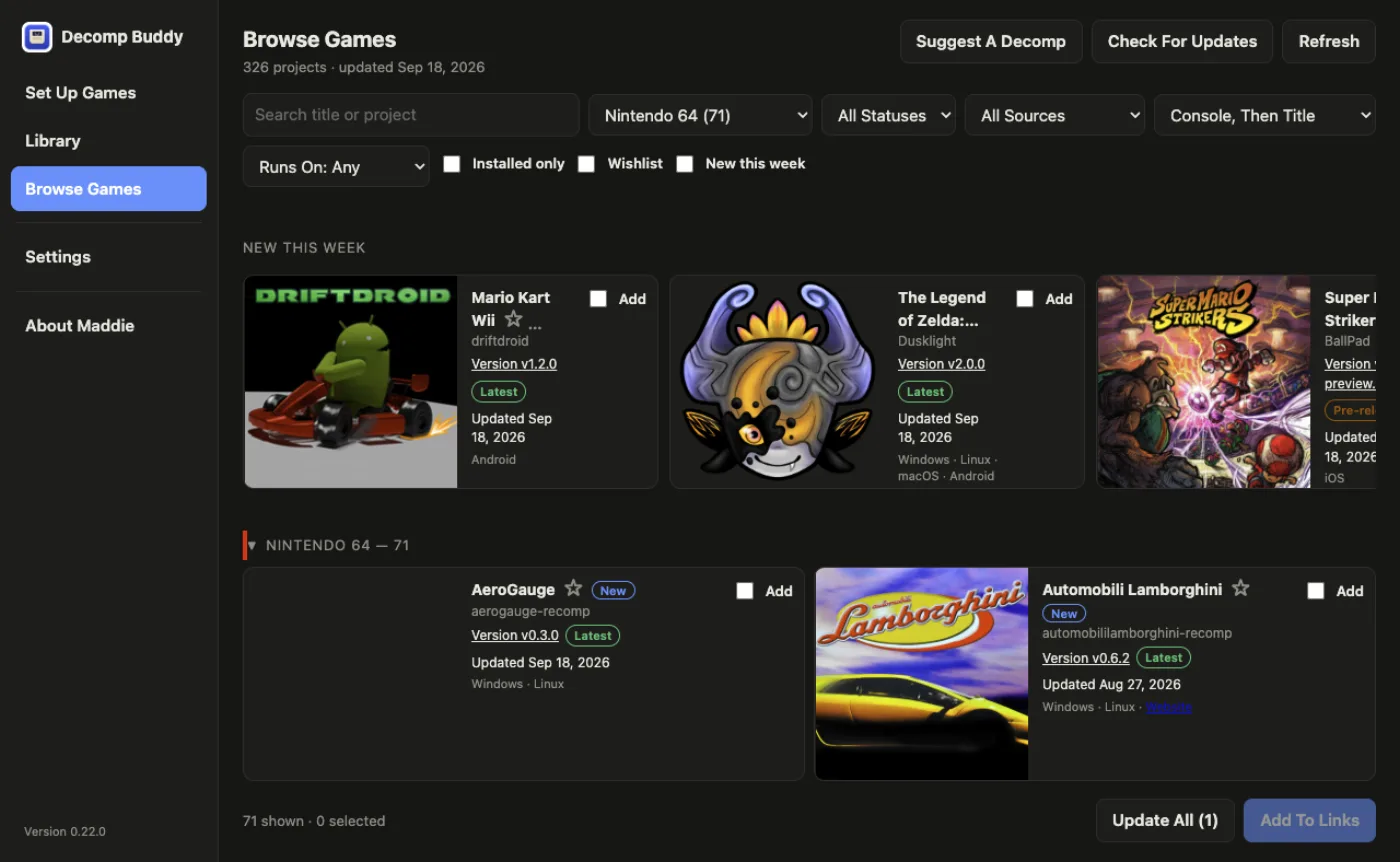
The game browser, listing decompilation projects you can install from a GitHub link. 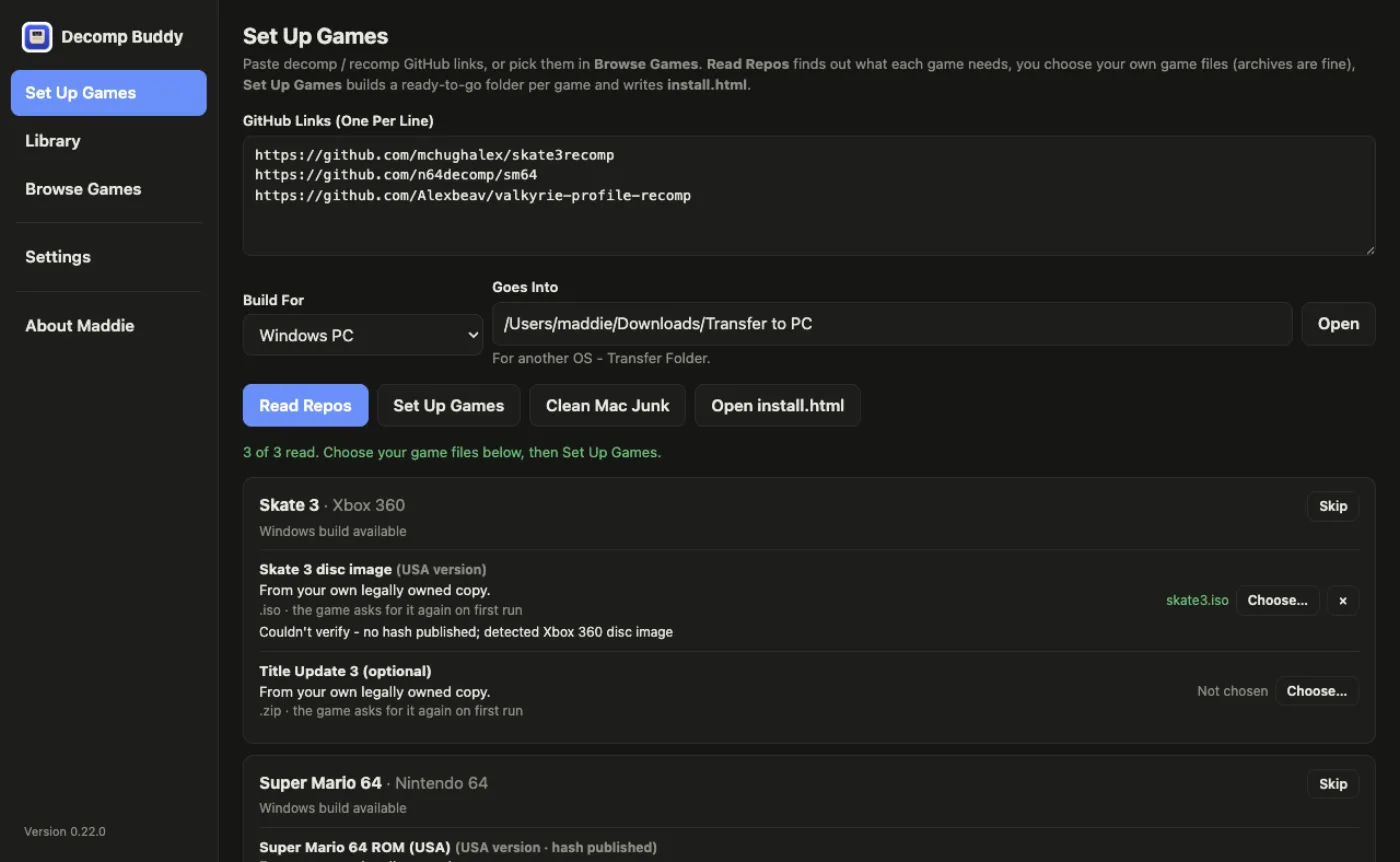
Set Up Games: GitHub links pasted one per line, a target platform picked, and Decomp Buddy reading each project's instructions and listing what it needs from you. 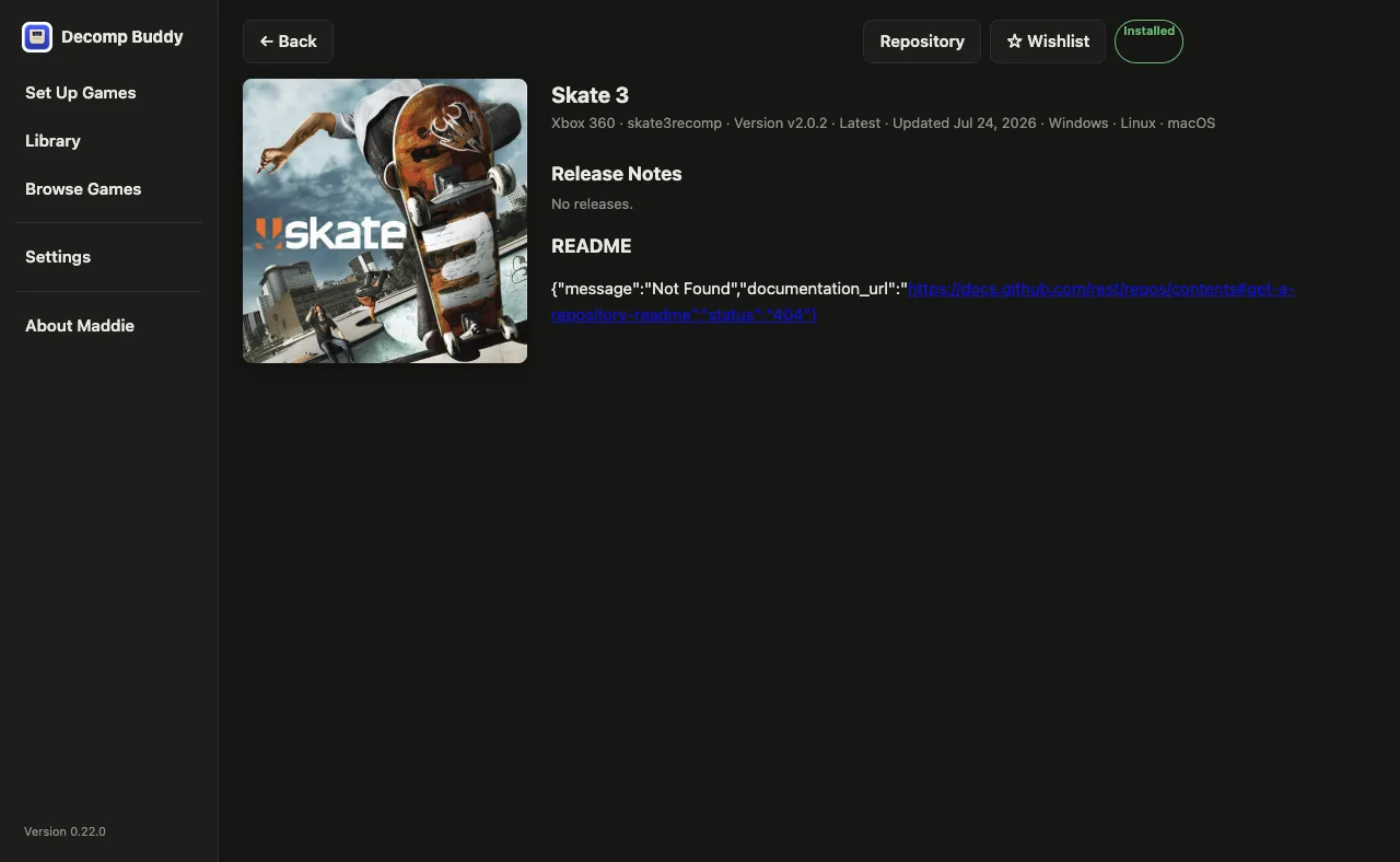
A game's page in the library — Skate 3 from the Xbox 360 decompilation — with its repository, version, platforms and release notes. 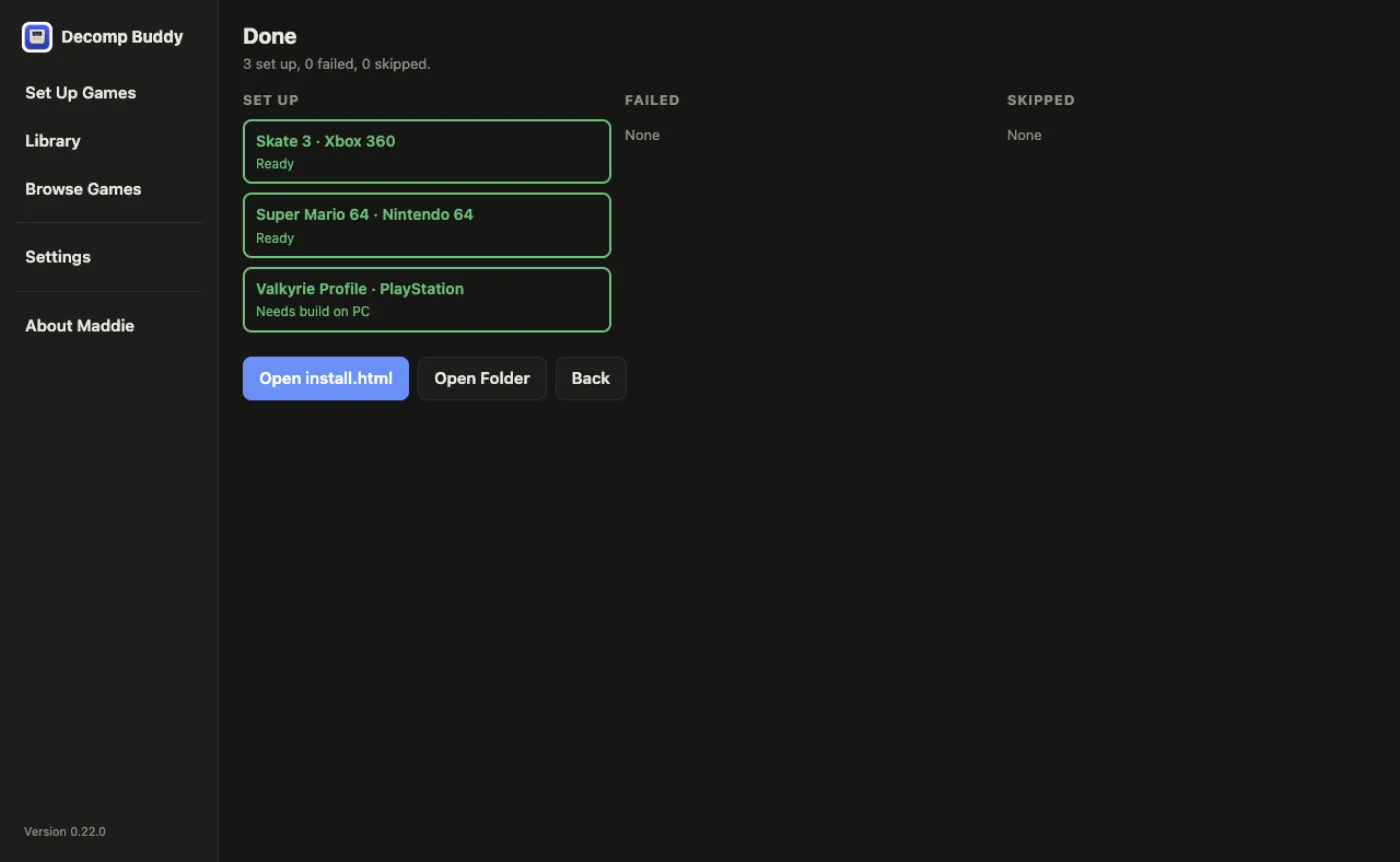
The Done screen: three games set up, none failed, with buttons to open the install notes or the folder.
Game Browser
Every decompilation and recompilation the community tracks, in one list inside the app, grouped by console, with each project's status and what it builds for. Tick the ones you want and they go straight into the setup.
Bring An Archive, Get A Game File
Hand it a zip, 7z, rar or tarball instead of the disc image and it finds the right file inside, verifies it, and moves it into place. Your original is left where it was.
Updates
When a project publishes a new build, the app says so and updates it in place. Your game files stay put.
Your Keys Stay Yours
Reading a repository uses an AI model. You bring your own key, it's stored in your operating system's keychain, and it never passes through me.
How It Treats Your Data
There's no account and no server of mine. The app talks to GitHub, to the AI provider you chose with your own key, and to nobody else.
Price
Free.
Questions
Does it include the games?
No, and it never will. You need your own legal copy of each one.
Mac or Windows?
Both. On a Mac it sets everything up in a folder ready to copy to a PC; on Windows it runs from where it lands.
When is it out?
Soon. There's no beta list for this one — it'll simply appear on this page when it's ready.