

Chromium browsers · Testing With Friends & Family · Open Source (MIT)
SubSwap
Move your YouTube subscriptions to a new account without doing it by hand.
SubSwap is a small browser extension for one job: take the channels you follow on one YouTube account and follow them on another. Sign in to the old account, save the list. Sign in to the new one, work through it. Anything you already follow is skipped.
No account, no server, no API key. It never sends your list anywhere — it just reads the page you're already looking at.
What It Looks Like
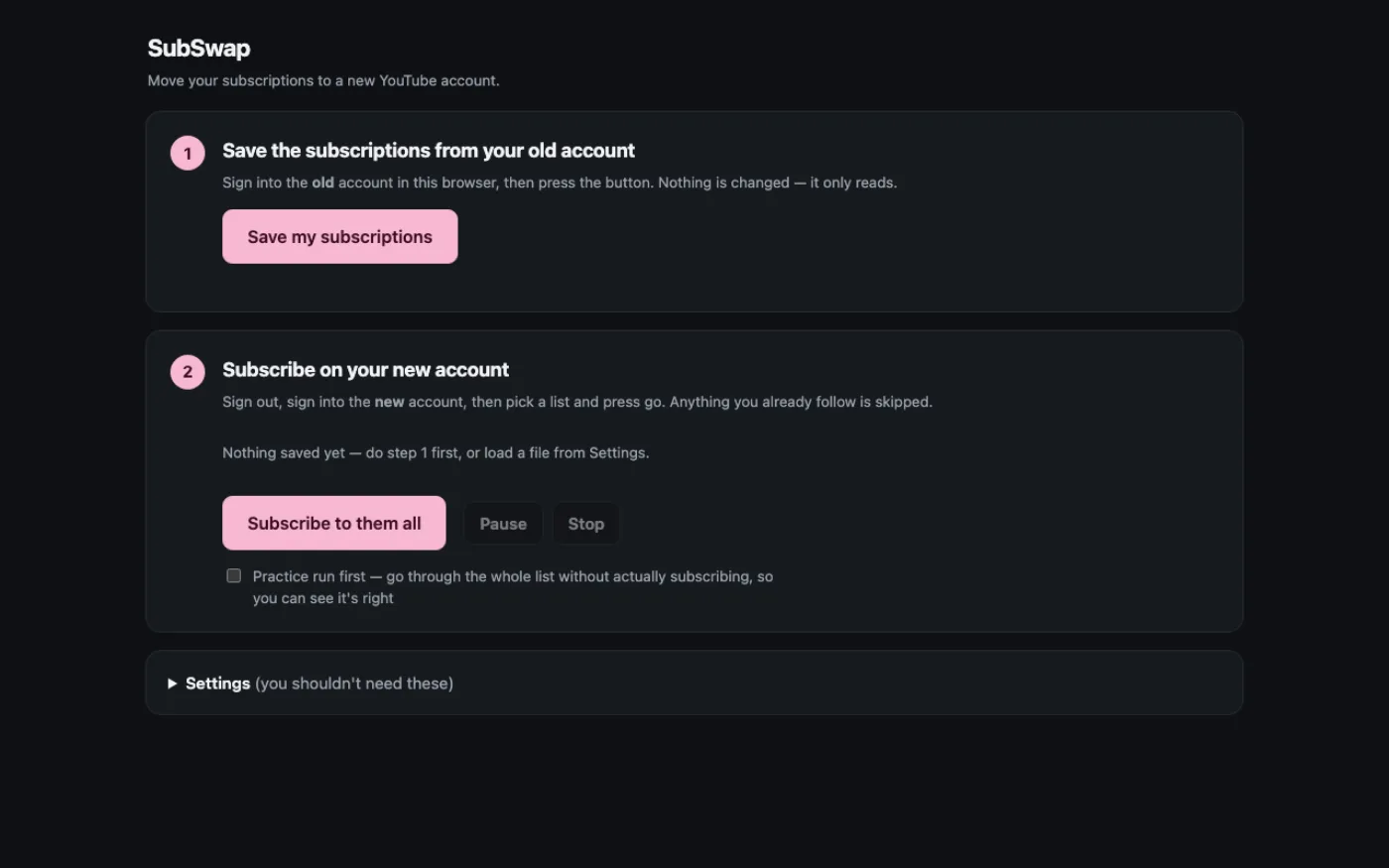
SubSwap's two-step panel: save the subscriptions from the old account, then subscribe on the new one — with a practice run that changes nothing. 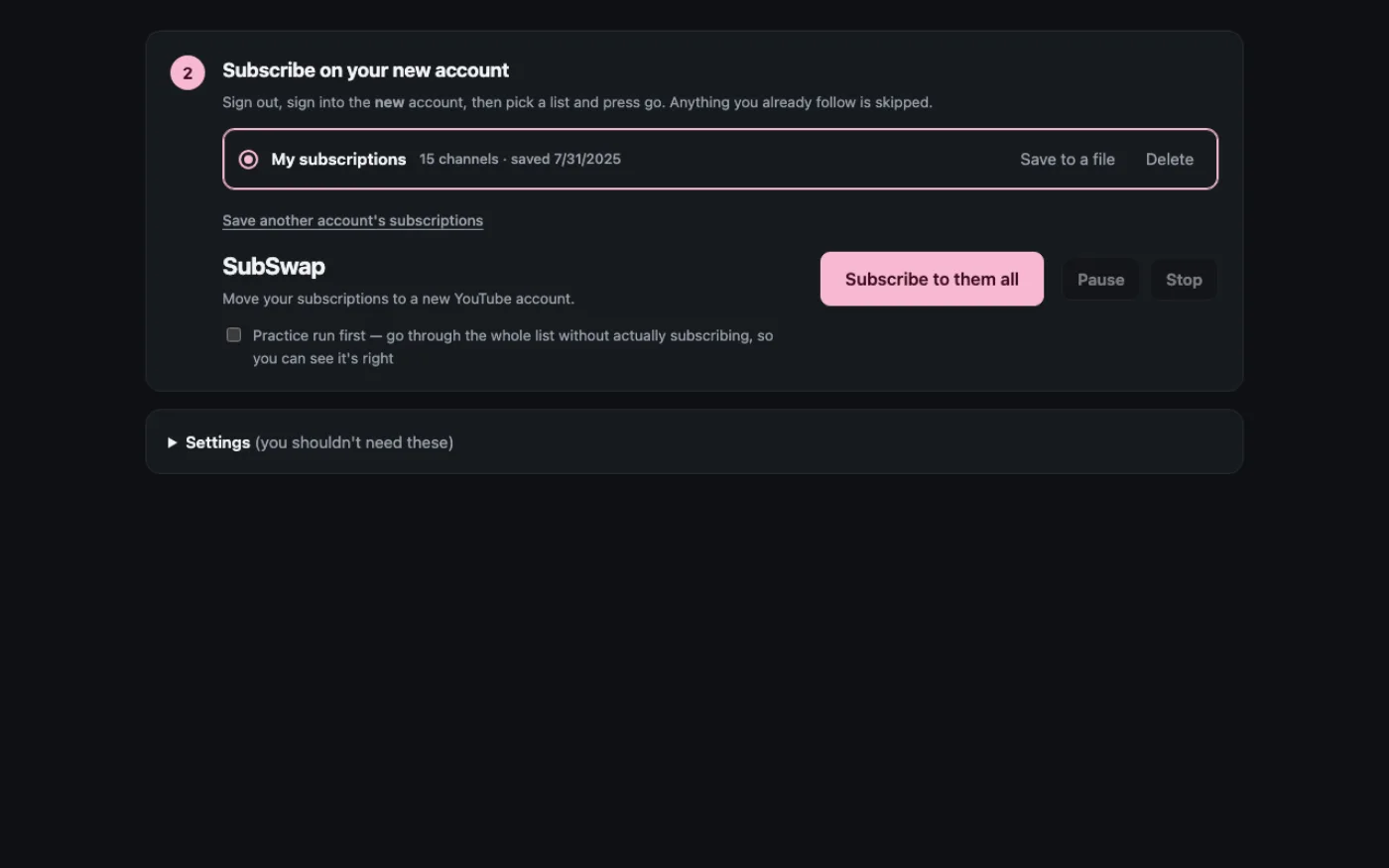
Picking which channels to carry over, each with a checkbox. 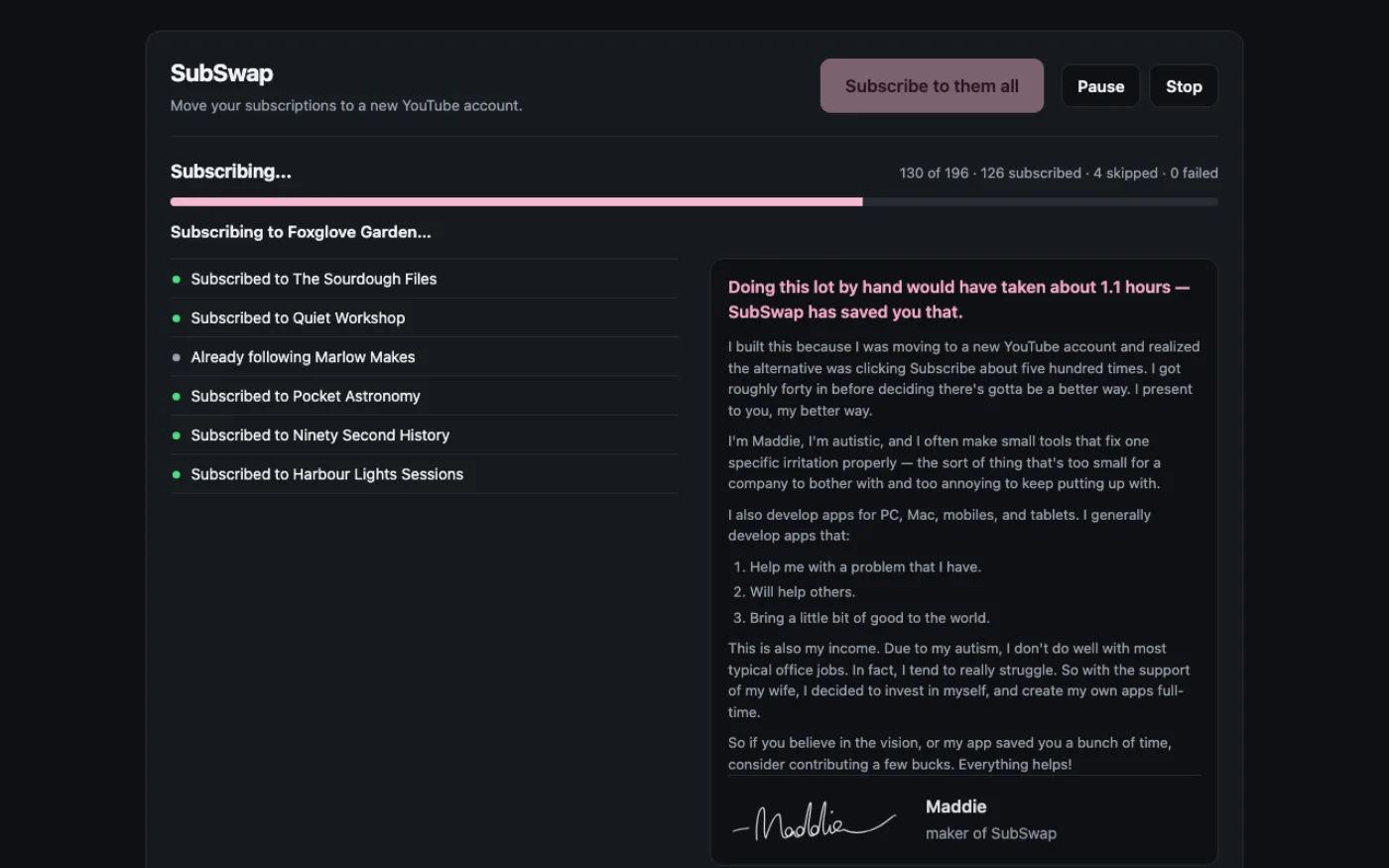
SubSwap working through the list, subscribing to each channel on the new account with a progress count. 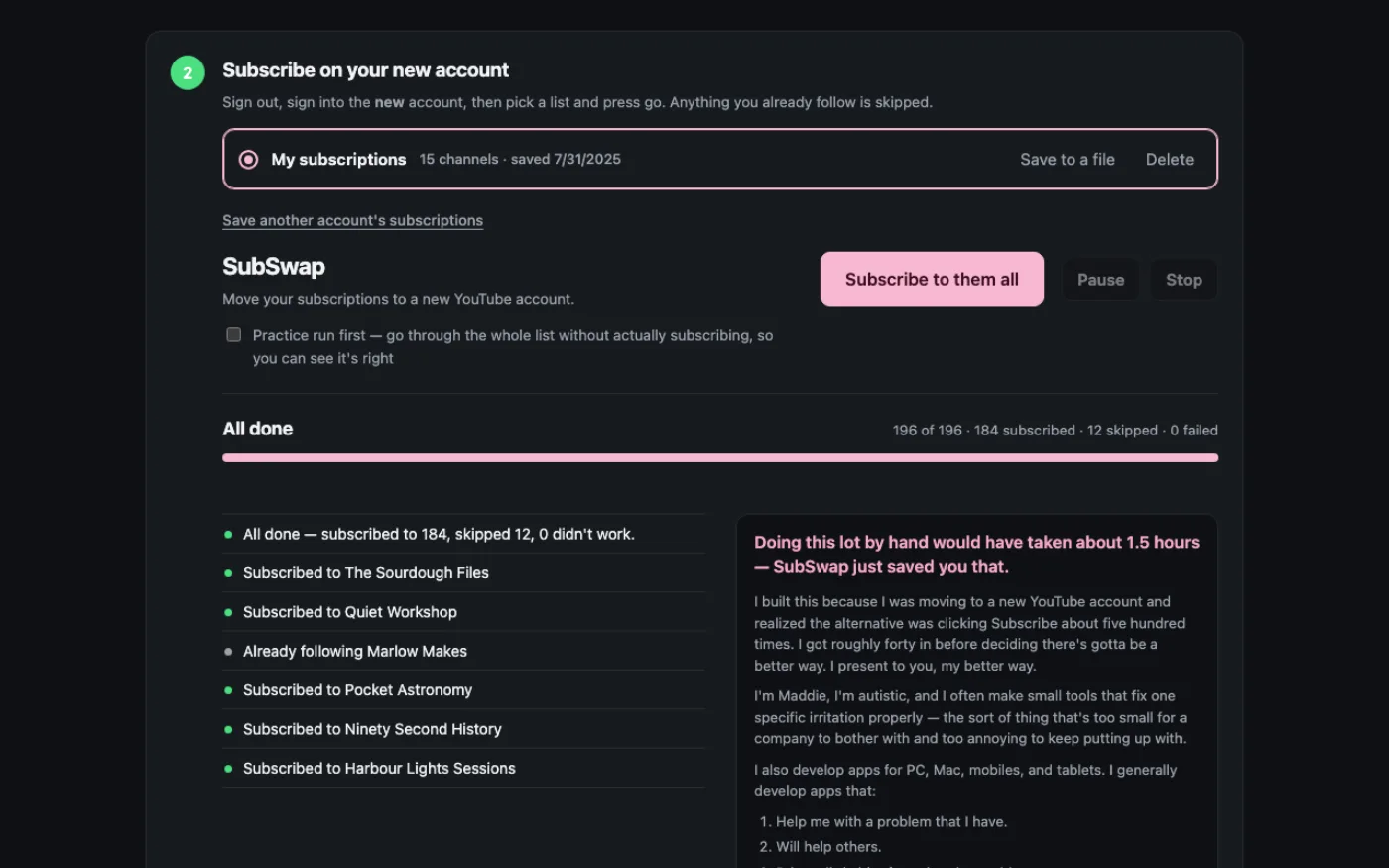
The finished screen: every channel moved, with a short summary of what was done.
Two Steps
Export, then Subscribe. It pauses between channels so YouTube doesn't think you're a robot, resumes if you close the tab, and tells you exactly which ones it couldn't do so you can finish those yourself.
Real Numbers
I moved my own 552 subscriptions with it. That's how I know the resume works.
Assist Mode
If you'd rather press every button yourself, it'll line them up for you and stay out of the way.
How It Treats Your Data
Your subscription list stays in your browser's own storage on your computer. You can export it to a file; nothing about it ever reaches me.
Price
Free.
Questions
Is this allowed by YouTube?
It does what you'd do by hand, in your own signed-in browser, at a human pace. It uses no API and no automation Google has to approve. Use it on your own accounts.
Does it work on Firefox or Safari?
Not yet. Chromium browsers only.
What if YouTube changes its layout?
It stops and tells you, rather than clicking the wrong thing. I'd rather it fail loudly than guess.